Best PS2 Photo Filter: An Honest Comparison
There is no official best PS2 filter, and we will not pretend to rank one. This page compares the main kinds of tool people use for the PS2 cutscene trend, including ours, so you can pick the one that fits what you want to post.
Our bias: we make the Losercore AI generator on this page. Other tools change their features and prices, so check their current terms yourself.
Best PS2 filter example clip
Original AI-generated example clip for illustration, not output of our generator; no real people.
Real demo samples
This site's "filter" redraws one permitted selfie into a lonely PS2-style scene — not a CapCut overlay on your footage. Stills below use a fictional AI-generated adult; yours will differ. Compare movement on the video examples hub, or jump to the generator.
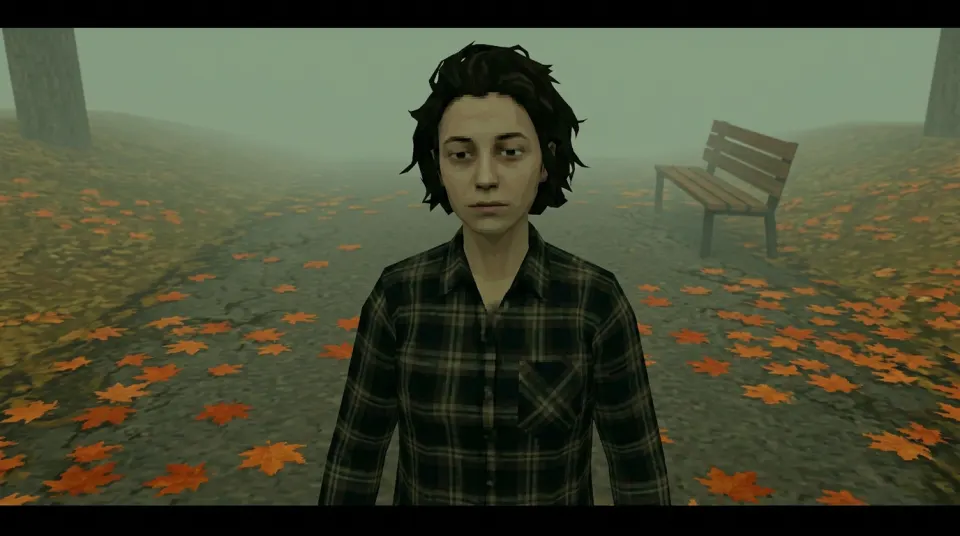
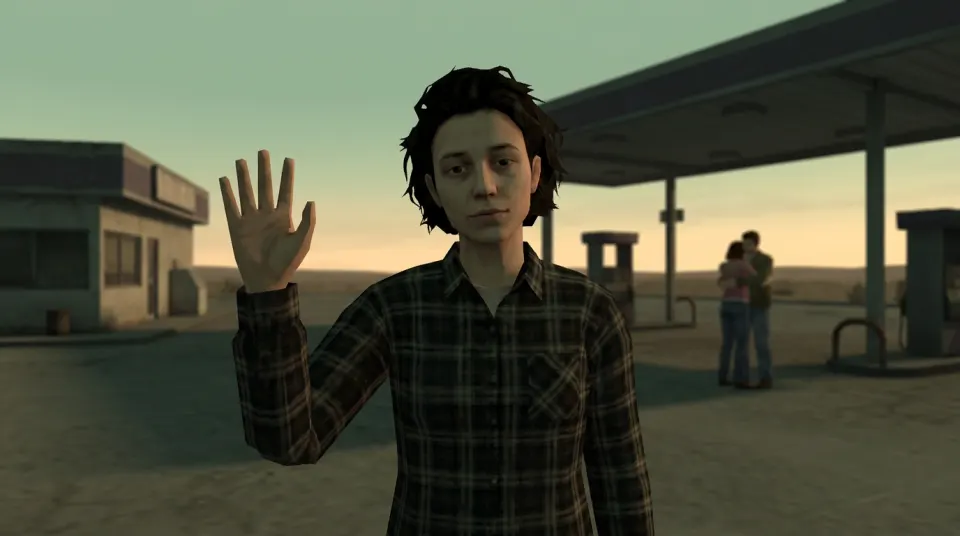
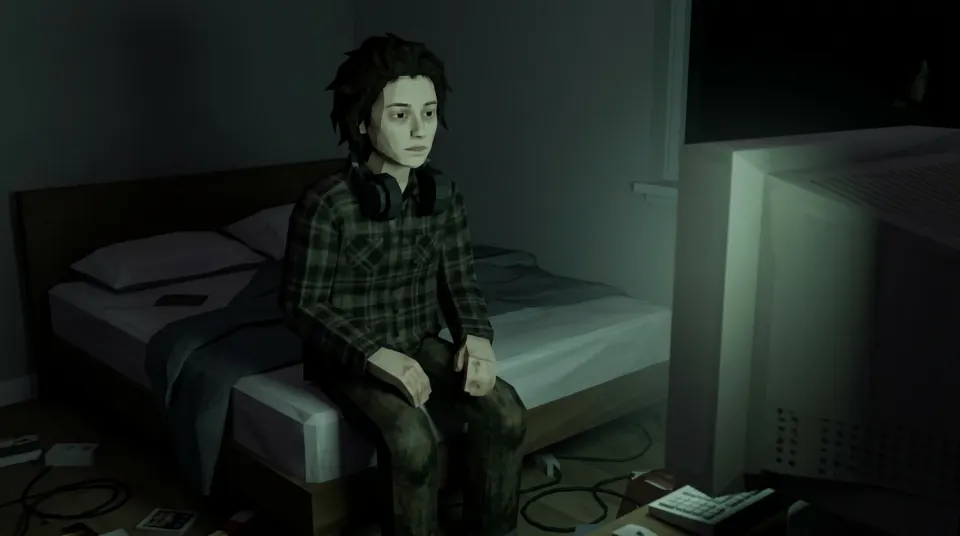
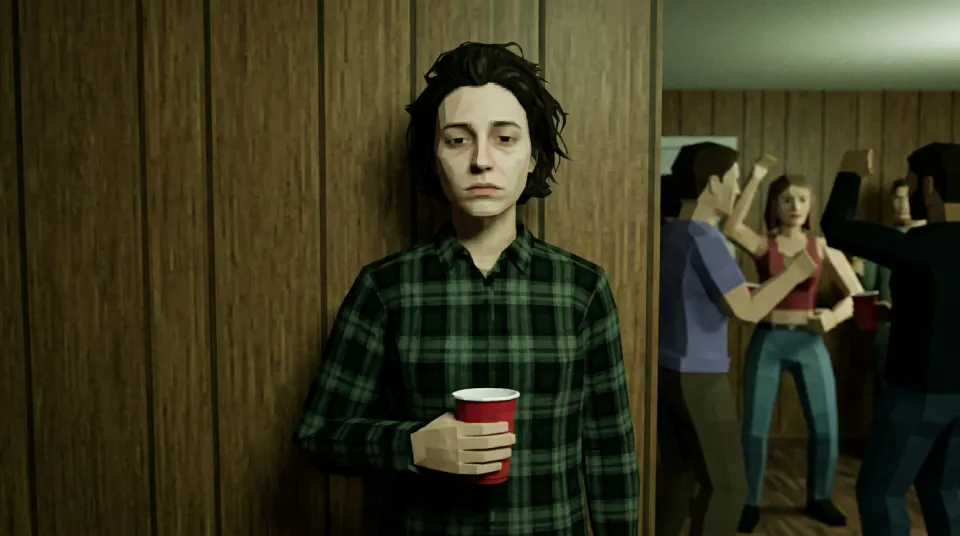
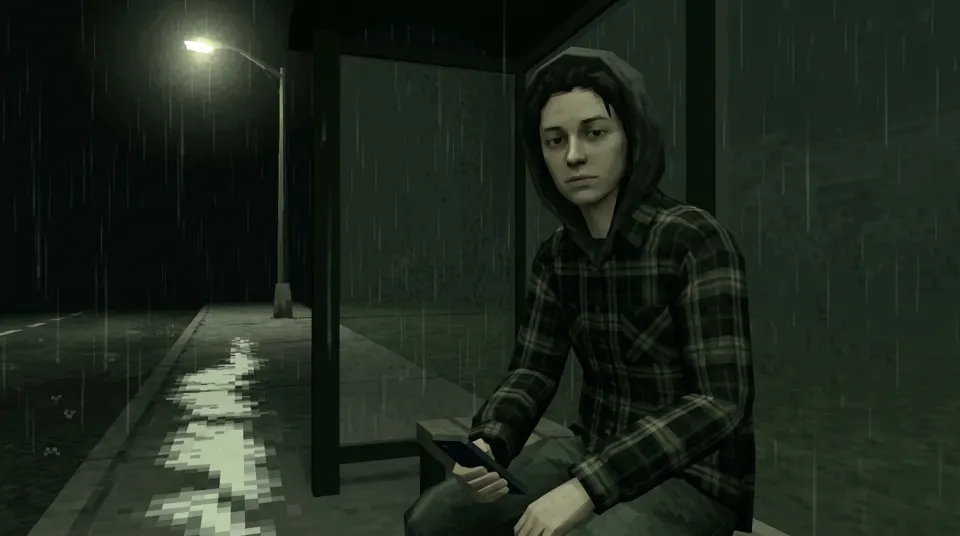
PS2 filter options compared
| Factor | This generator | CapCut templates and app effects | Other AI tools |
|---|---|---|---|
| What it does | An AI model redraws you as a low-poly character in a new lonely scene. | Applies a retro look or overlay on top of your own photo or footage. | Varies by tool; many restyle the photo with a general model. Prompt-to-image tools such as Bing Image Creator invent a look from text instead of a fixed selfie-to-scene preset. |
| Likeness | Aims to keep face shape, skin tone and hairstyle; likeness can differ. | Keeps your real face because the footage is yours. | Varies; check sample results before uploading. |
| Video | Yes: a 6-second 16:9 MP4 with sound from one selfie, 10 credits. | Yes, on footage you film yourself. | Often still-only; video may cost extra. |
| Sign-in and free use | Sign-in required. First still free with a watermark (one per account and device, daily cap may apply); never video. | Needs the CapCut app; some templates or exports need Pro. | Some advertise no sign-up; read what they keep and what is really free. |
| Watermark | Trial still carries losercoreai.com; paid results have none. | Depends on the template and export settings. | Free tiers often add one. |
| Cost | 2 credits per still, 10 per video; failed paid jobs refund. | Free or Pro subscription, depending on the template. | Free tiers, credits or subscriptions. |
Which one should you use?
- Want a quick retro look on a video you already filmed? A CapCut template or app effect is the simpler choice.
- Want to look like a lonely PS2 cutscene character in a new scene? Use an AI generator such as the PS2 filter online.
- Prefer typing a description with no selfie upload? A prompt-to-image tool such as Bing Image Creator fits better than this fixed-scene generator. For copyable recipes aimed at ChatGPT, Gemini or Bing, see the PS2 filter prompt guide.
- Want movement from a single selfie? Try photo to PS2 video.
- Posting the result? Follow the CapCut, TikTok or Instagram guide.
Try this PS2 filter
Start with a still; switch to Video for a 6-second clip with sound of the same scene.
Style: PS2
1. Your photo
One clear photo of a face. JPG, PNG or WebP, up to 10MB.
Sign in to upload a photo. Your first still is free (watermarked); more stills and videos use credits.
Free first still
Sign in to make one free watermarked still. Video costs 10 credits.
One free still in total, whichever style or page you use.
Pricing, free-still rules and AI models
Before you generate
- Sign-in is required to upload a photo and generate.
- Free first still: after you sign in, you can make one free still with a losercoreai.com watermark, limited to one per account and one per device. Video is never part of the free still, and a daily cap may apply.
- Paid: a still costs 2 credits. A video costs 10 credits and includes the still.
- A paid generation that fails refunds its credits.
AI models
Images are AI-generated with Nano-Banana-2 through HiAPI.
Supported video models through HiAPI: Kling 2.5 Turbo, Hailuo 2.3 Fast, PixVerse v6 and Seedance 2.0 Mini. The model used depends on service settings and availability.
This is an independent service, with no official affiliation with or endorsement by these model providers.
Result
Best PS2 filter FAQ
- What is the best PS2 filter?
- It depends on what you want. A CapCut template or app effect is quickest for a light retro overlay on your own video. An AI generator like this one redraws you as a low-poly character in a new scene, which is closer to the PS2 cutscene meme. There is no official ranking.
- Which PS2 filter keeps my face recognizable?
- Overlay templates keep your real face because they only restyle your footage. AI generators redraw you, so likeness can differ. The prompt here asks the model to keep face shape, skin tone and hairstyle recognizable, but an exact likeness is not guaranteed; review the result before sharing.
- Is there a free PS2 filter with no sign-up and no watermark?
- Not here. Sign-in is required, and the free trial is one still with a losercoreai.com watermark, one per account and device; a daily cap may apply. Paid stills (2 credits) and videos (10 credits) have no watermark. Check other tools' terms for what they keep and charge.
- Which PS2 filter can make a video?
- Yes. Switch the generator to Video and it first makes the PS2-style still, then animates it into a 6-second 16:9 MP4 clip with AI-generated sound. A video costs 10 credits, including the still, and is not covered by the free trial.
- Do I need a PS2 filter app?
- Not for this one. It runs in a desktop or mobile browser. CapCut templates need the CapCut app, and TikTok or Instagram effects only work inside those apps.
- Is this PS2 filter a 3D model or emulator?
- No. The result is a flat image or a short clip. It is not a rigged character, 3D mesh, game-engine shader or PlayStation 2 emulator.
- How does this compare to Remini, Photoshop or CapCut for a PS2 look?
- Remini is mainly an enhancer, Photoshop needs manual actions or plugins, and CapCut templates usually overlay effects on your own footage. This AI tool redraws you as a low-poly character in a new lonely scene. Pick CapCut when you want a quick restyle of existing video; pick this when you want a cutscene-style still or 6-second clip with sound from one selfie.
- How does Bing Image Creator compare to this PS2 filter?
- Bing Image Creator (and related Microsoft Copilot or Designer image tools) is mainly prompt-to-image: you type a description and get a new picture. This site is selfie-to-scene: you upload one photo and pick a fixed lonely low-poly PS2-style preset, without free-text prompts. Use Bing when you want to invent a look from words alone; use this generator when you want your own face redrawn into one of the on-site scenes. It is also not a Topaz-style upscaler, an AI clothes changer or a character-swap tool.
- Is this about Syphon Filter, a CRT shader, or the best PS2 game filter pack?
- No. This page compares photo/selfie PS2-style AI filters and CapCut-style templates for the viral cutscene look. It is not a ranking of PlayStation 2 games (including Syphon Filter), CRT shaders, ReShade presets or emulator packs.