PS2 AI Video Generator: Photo to PS2 Filter AI Video
A PS2 AI video generator for your own photo — ps2 filter ai video from one selfie. Upload one selfie, pick a lonely low-poly scene and get a 6-second 16:9 MP4 with sound of your PS2-style character. A video costs 10 credits, including its still stage. The free trial never includes video.
Style: PS2
1. Your photo
One clear photo of a face. JPG, PNG or WebP, up to 10MB.
Sign in to upload a photo. Your first still is free (watermarked); more stills and videos use credits.
Free first still
Sign in to make one free watermarked still. Video costs 10 credits.
One free still in total, whichever style or page you use.
Pricing, free-still rules and AI models
Before you generate
- Sign-in is required to upload a photo and generate.
- Free first still: after you sign in, you can make one free still with a losercoreai.com watermark, limited to one per account and one per device. Video is never part of the free still, and a daily cap may apply.
- Paid: a still costs 2 credits. A video costs 10 credits and includes the still.
- A paid generation that fails refunds its credits.
AI models
Images are AI-generated with Nano-Banana-2 through HiAPI.
Supported video models through HiAPI: Kling 2.5 Turbo, Hailuo 2.3 Fast, PixVerse v6 and Seedance 2.0 Mini. The model used depends on service settings and availability.
This is an independent service, with no official affiliation with or endorsement by these model providers.
Result
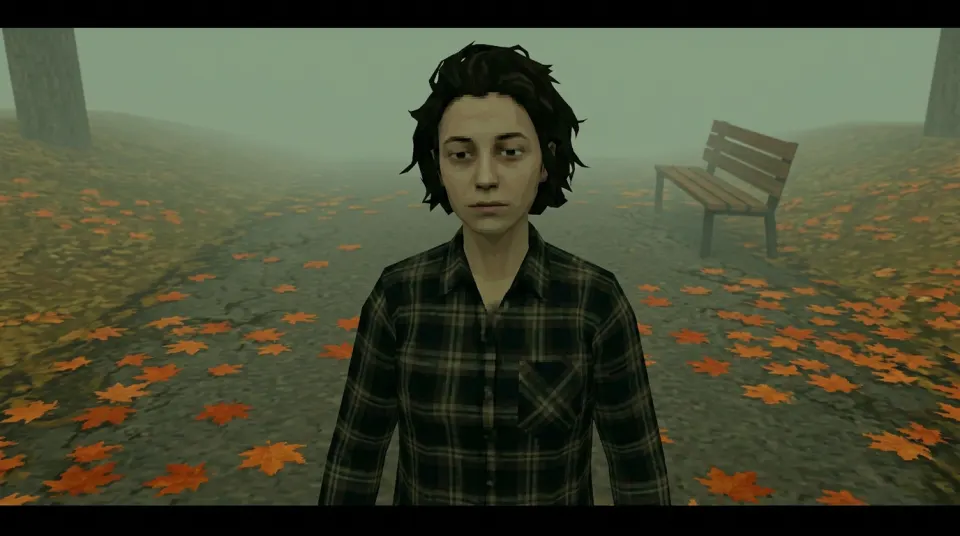
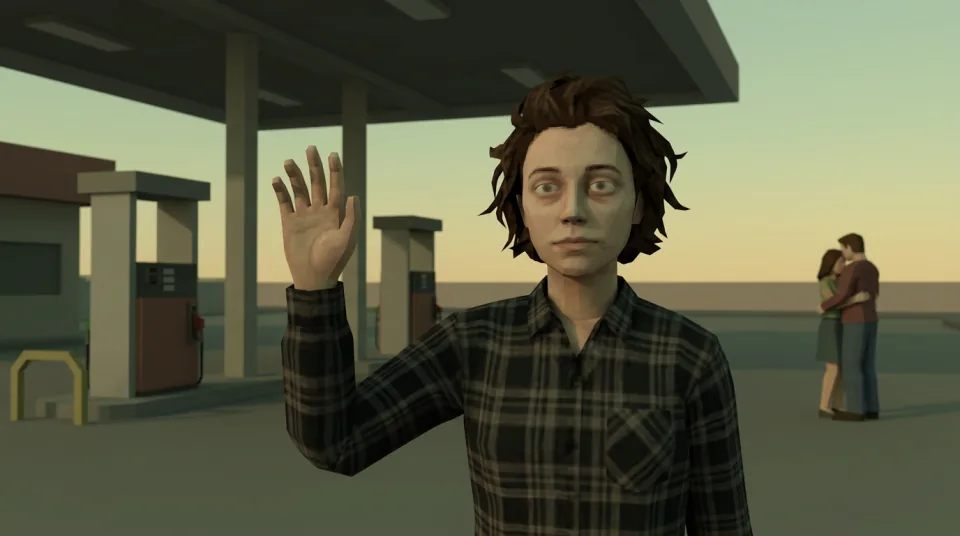
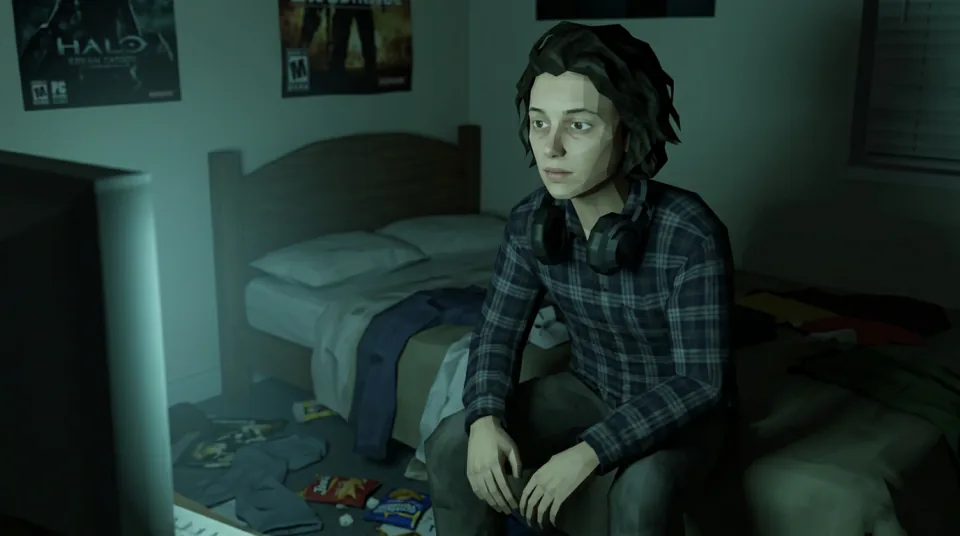
Real demo samples
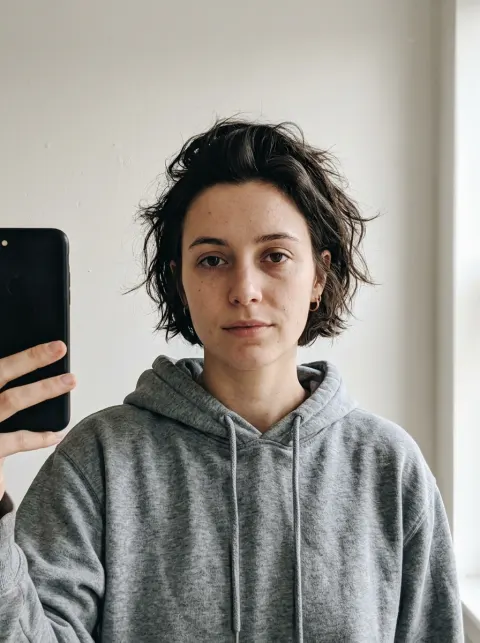
Three silent ~5s 16:9 MP4 previews from the same fictional demo face: foggy park, gas station sunset and 3 a.m. bedroom. Stills and clips are resized, compressed previews of the real results. These clips came from an earlier video model; new clips are 6 seconds with sound. The input selfie is AI-generated and shows a fictional person, not a customer or a real individual. These demos use a fictional face. Yours will differ. See all video examples or pick a caption from losercore meme ideas.
Still only — same five scenes. Clips for house party and rainy bus stop are not published yet.
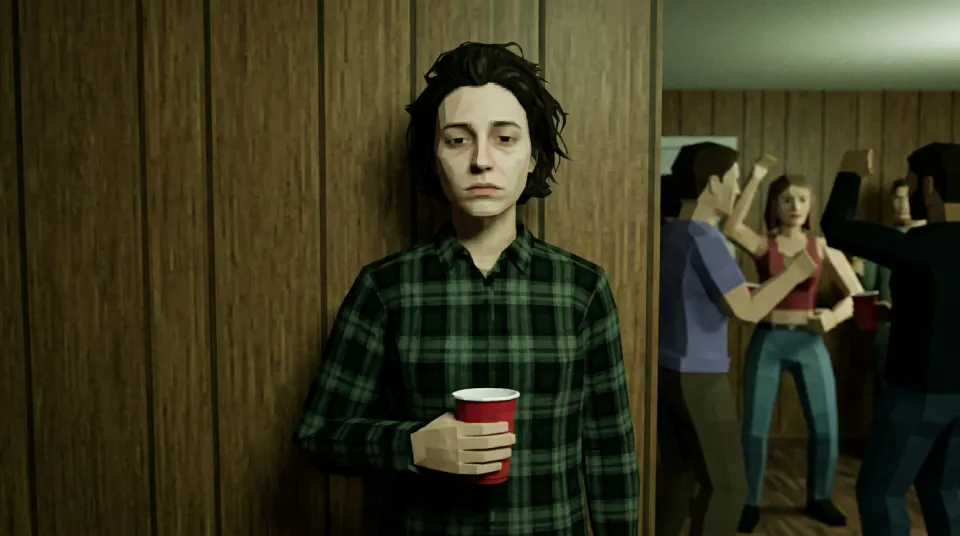
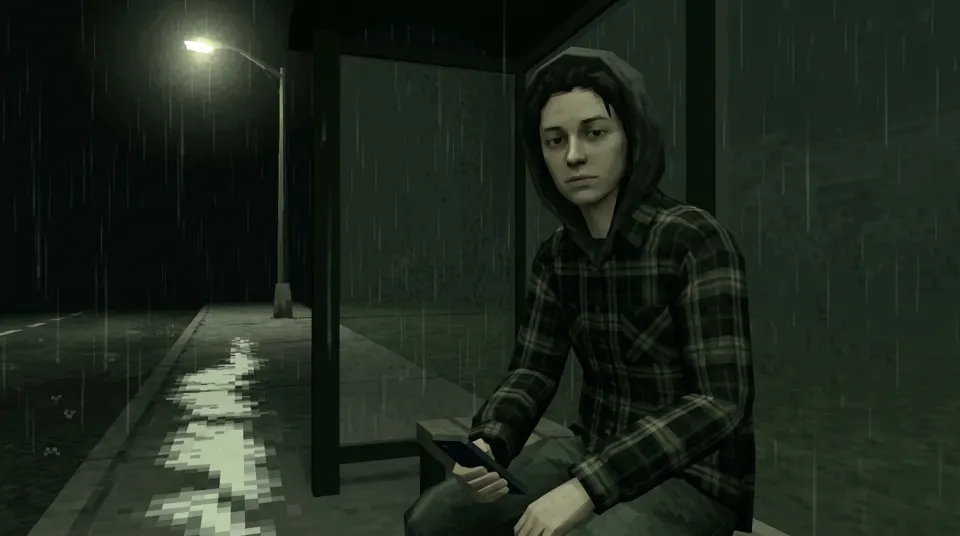
Photo to PS2 video example clip
Original AI-generated example clip for illustration, not output of our generator; no real people.
How to make PS2 AI videos from one selfie
- Sign in and upload one clear selfie you have permission to use: JPG, PNG or WebP, up to 10MB.
- Pick a scene: Foggy park, Gas station sunset, 3 a.m. bedroom, House party wall, Rainy bus stop.
- Keep Video selected. An image model first redraws you as a PS2-era character in a 16:9 still.
- A video model then animates that still. Each clip is 6 seconds at 16:9 with AI-generated sound.
- Download the MP4 and keep its sound, or add music and editing in your own app.
After you sign in, your first still is free with a losercoreai.com watermark: one per account and device, and a daily cap may apply. Otherwise a still costs 2 credits and a video costs 10 credits. Video is never part of the free trial. A paid job that fails refunds its credits.
What this PS2 video filter does (and does not do)
- Input is a still photo, not a video. It does not apply a PS2 filter to footage you already filmed.
- Output is a 6-second landscape 16:9 clip with AI-generated sound, not a song you pick, and no lip sync. Crop or pad it to 9:16 for a vertical post.
- It is not a CapCut template or a TikTok or Instagram effect. You make the clip here and edit it in the app yourself.
- Likeness and motion can differ from your photo. Review the clip before sharing it.
Post or edit your PS2 video
- PS2 filter on TikTok: upload, crop, add a sound and the AI label.
- PS2 filter on CapCut: import the clip, set a 9:16 canvas and add music.
- PS2 filter on Instagram: turn the clip into a Reel or Story.
- Want only a still? Use photo to PS2 for a 2-credit image.
- The losercore AI video generator covers the meme and playlist side, and the losercore video tutorial shows each stage with troubleshooting.
- Posting a Short? Follow the PS2 filter on YouTube guide.
Photo to PS2 video FAQ
- How do I turn a photo into a PS2 video?
- Sign in, upload one clear selfie you have permission to use, pick a scene and keep Video selected. The generator first makes a PS2-style still, then animates it into a 6-second MP4 clip with sound you can download.
- How long is the PS2 AI video and what format is it?
- Each clip is 6 seconds at 16:9 and 720p. The download is an MP4 with AI-generated sound; completion time and file size are not fixed. If the model rejects the still, the job fails and a paid video refunds its credits.
- How much does a photo to PS2 video cost?
- A video costs 10 credits and includes its own still stage. Making a 2-credit still first and then a separate video costs 12 credits in total. Video is never part of the free trial, which covers one watermarked still only. A paid job that fails refunds its credits.
- Can I apply the PS2 filter to a video I already filmed?
- No. The input is a still photo (JPG, PNG or WebP), not an uploaded video. The tool redraws you from that photo and animates the new scene; it does not filter existing footage frame by frame.
- Does the PS2 video have music or a vertical version?
- No. The clip has AI-generated sound, not a song, and is landscape 16:9. Add licensed music and crop or pad it to 9:16 in TikTok, Instagram or CapCut after downloading.
- Is this a CapCut or TikTok PS2 video template?
- No. It is a web generator, not an in-app template or effect. You make the clip here, then edit and post it in the app yourself.
- Is this a PS2 filter AI video generator?
- Yeah — for the photo-to-clip version of the trend. You upload one clear selfie (not an MP4), pick one of the five lonely scenes, and get a 6-second 16:9 MP4 with sound. It is not a video-to-video filter, not a CapCut/TikTok template, and not a PS2 emulator. Sign-in required; video costs credits and is never part of the watermarked trial still.
- How do I make PS2 AI videos or PS2 style videos?
- Keep Video selected after uploading a selfie and picking a scene. The tool first makes a PS2-style still, then animates it into a 6-second MP4 with AI-generated sound. Add licensed music and a vertical crop in CapCut, TikTok, Instagram or YouTube Shorts yourself. Video is never part of the free trial.
See credit packs and pricing before choosing a paid option.