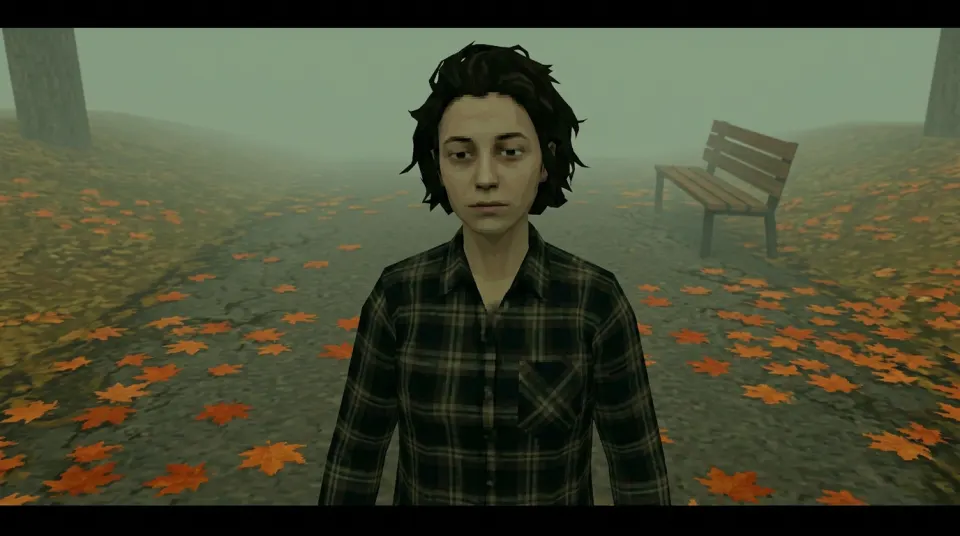
Foggy park
The figure is near the center, with black bars already present in this sample. Keep desktop icons toward the edges, away from the face and bench. A Fill crop may remove some of the frame.
Compressed WebP sample · 960×536 pixels
Turn a selfie you have permission to use into a lonely PS2-style desktop background. Start in Image mode, choose a landscape scene, then download your own original PNG when it is ready.
Style: PS2
One clear photo of a face. JPG, PNG or WebP, up to 10MB.
Sign in to upload a photo. Your first still is free (watermarked); more stills and videos use credits.
Sign in to make one free watermarked still. Video costs 10 credits.
One free still in total, whichever style or page you use.
Images are AI-generated with Nano-Banana-2 through HiAPI.
Supported video models through HiAPI: Kling 2.5 Turbo, Hailuo 2.3 Fast, PixVerse v6 and Seedance 2.0 Mini. The model used depends on service settings and availability.
This is an independent service, with no official affiliation with or endorsement by these model providers.
Original AI-generated example clip for illustration, not output of our generator; no real people.
A wallpaper shares the frame with icons and windows. Start by checking where the face sits, then try the image on your own screen before deciding whether to crop it. This park sample is shown in its original preview proportions, with no simulated screen contents added to the download.
These real outputs use the existing scene prompts and one AI-generated selfie of a fictional adult. They are demonstration images, not customer results. Public examples are resized, compressed 960×536 WebP previews. Your own photo will produce a different result.
Download a labelled sample to check how it fits your desktop, or choose “Make my wallpaper” to start an Image request from your own selfie. Choosing a sample action resets the generator form to that scene; it does not submit or spend credits.
The figure is near the center, with black bars already present in this sample. Keep desktop icons toward the edges, away from the face and bench. A Fill crop may remove some of the frame.
Compressed WebP sample · 960×536 pixels
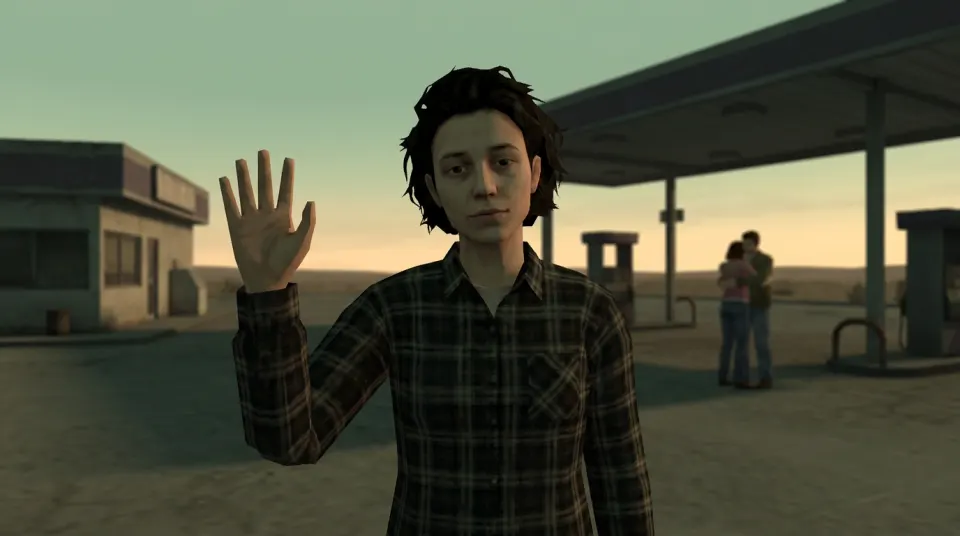
The face and raised hand are in the foreground, with a couple behind them. Keep icons clear of both the wave and the background couple; an aggressive crop can lose part of the story.
Compressed WebP sample · 960×536 pixels
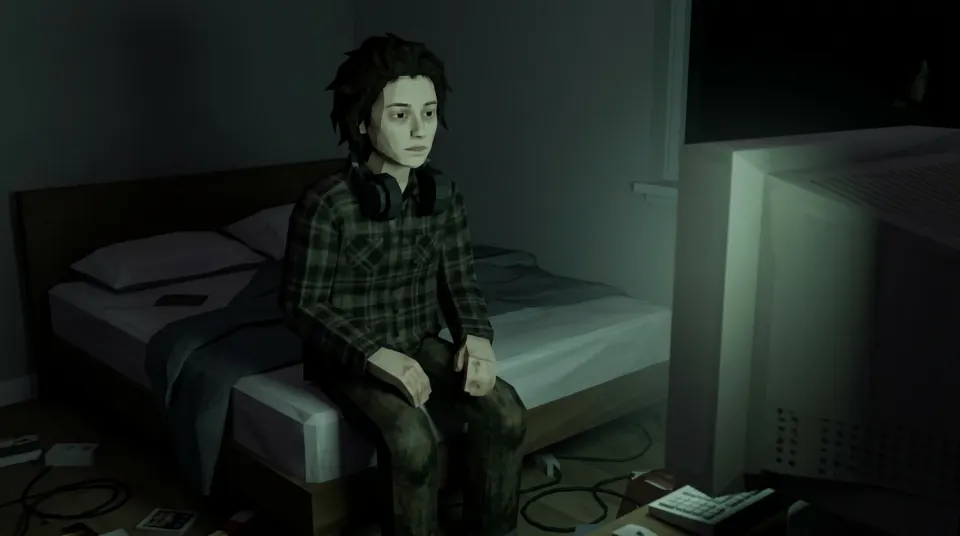
The face sits left of center and the monitor is on the right. Check both sides before cropping: the monitor glow is part of the composition, not spare space for icons.
Compressed WebP sample · 960×536 pixels
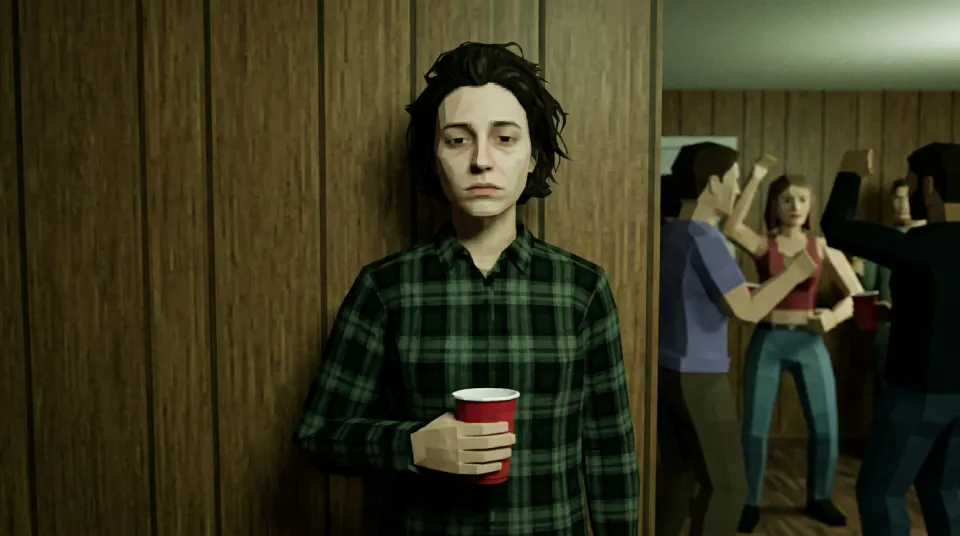
The face and red cup are the subject, while the guests give the scene its awkward mood. Put icons away from the face and cup, then check what a tighter desktop crop hides.
Compressed WebP sample · 960×536 pixels
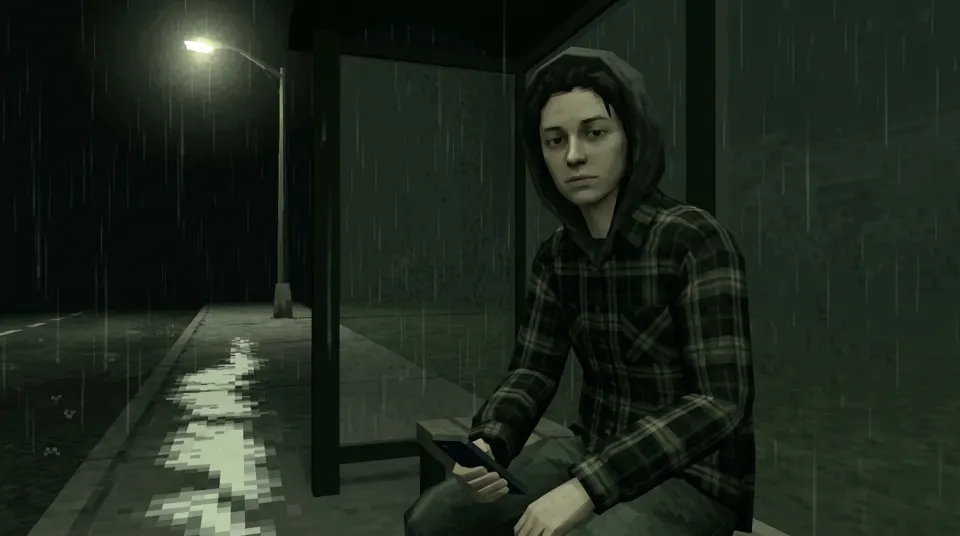
The hood, waiting figure and street light set the scene. Leave room around the face and lamp when using Fill, and keep icons away from the brightest part of the frame.
Compressed WebP sample · 960×536 pixels
Save the image first, then choose it in your computer’s wallpaper settings. Compare these sizing options using your own display:
Desktop interfaces use different names for these options. Keep your original file, so you can change the viewing choice without making another AI request.
Your privately generated original PNG comes from the completed result in the generator. The request is landscape 16:9 at 1K; actual returned pixel dimensions can vary. The public samples here are smaller WebP previews, so downloading a sample does not give you an original production PNG.
There is no 4K or 8K output, upscaling, native portrait wallpaper or exact monitor-size setting on this page. A large display may make a small source look soft. Check its actual dimensions before choosing how to use it.
A paid still costs 2 credits. After you sign in, your first still is free with a watermark: one per account and device, stills only, and a daily cap may apply. Trial results keep their original watermarked download. Public sample downloads do not use credits.
For square profile crops, open the losercore avatar generator. To animate a scene, follow the step-by-step losercore video tutorial. A separate video job costs 10 credits and creates its own still stage. Review credit packs and prices before choosing a paid output.
For a different landscape mood, try Dreamcore backgrounds with pastel skies, or Weirdcore backgrounds with uncanny spaces. These tools create your own still PNG from a permitted photo; use the same Fit, Fill and Center checks for your screen.