PS1 Filter for Photos: Retro Low-Poly AI (PS2-Style)
Looking for a PS1 filter or PSX photo filter? This generator makes a closely related retro look: your photo becomes a low-poly PS2-era character in a lonely game-style scene. It is not an emulator or an exact PlayStation 1 renderer, and it says so below.
Style: PS2
1. Your photo
One clear photo of a face. JPG, PNG or WebP, up to 10MB.
Sign in to upload a photo. Your first still is free (watermarked); more stills and videos use credits.
Free first still
Sign in to make one free watermarked still. Video costs 10 credits.
One free still in total, whichever style or page you use.
Pricing, free-still rules and AI models
Before you generate
- Sign-in is required to upload a photo and generate.
- Free first still: after you sign in, you can make one free still with a losercoreai.com watermark, limited to one per account and one per device. Video is never part of the free still, and a daily cap may apply.
- Paid: a still costs 2 credits. A video costs 10 credits and includes the still.
- A paid generation that fails refunds its credits.
AI models
Images are AI-generated with Nano-Banana-2 through HiAPI.
Supported video models through HiAPI: Kling 2.5 Turbo, Hailuo 2.3 Fast, PixVerse v6 and Seedance 2.0 Mini. The model used depends on service settings and availability.
This is an independent service, with no official affiliation with or endorsement by these model providers.
Result
PS1 filter example clip
Original AI-generated example clip for illustration, not output of our generator; no real people.
PS1 vs PS2: what this filter actually makes
People often use “PS1 filter”, “PSX filter” and “PS2 filter” for the same nostalgic low-poly mood. The two consoles look different, though. This tool targets the PS2 side and gives you a clean landscape 16:9 image, so treat it as a PS1-adjacent retro filter rather than a faithful PS1 render.
| Trait | Classic PS1 / PSX look | This generator (PS2-style) |
|---|---|---|
| Polygons | Very few, sharp and jagged | Low, but rounder faces |
| Textures | Wobbly, warped and pixelated | Smoother, muddy and low-detail |
| Image | Tiny resolution, dithering, jitter | Clean 1K PNG, no dithering |
| Motion | Jittering, shaky geometry | Optional 6-second MP4 with sound and stiff cutscene movement |
Getting a rougher PSX feel
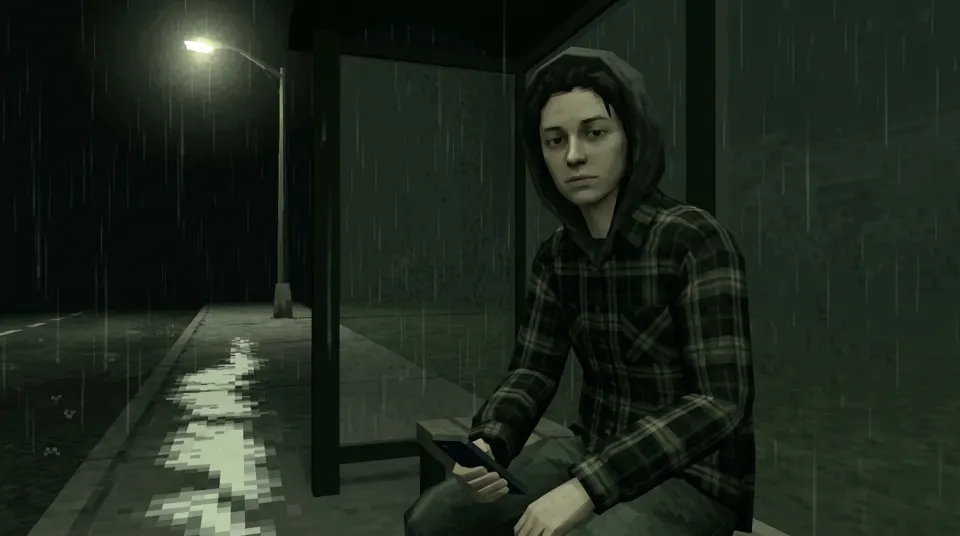
- Pick a dark scene such as the rainy bus stop or 3 a.m. bedroom; low light hides detail the way old consoles did.
- Generate and download your PS2-style still.
- In your own photo editor, shrink the image, add dithering or cut the colour count if you want a more PS1-like texture. Those edits happen outside this site.
Searching for a PS1 filter for Blender, Unity, Godot or Unreal Engine? Those are shaders for 3D projects. This page is a photo filter, so it will not plug into a game engine.
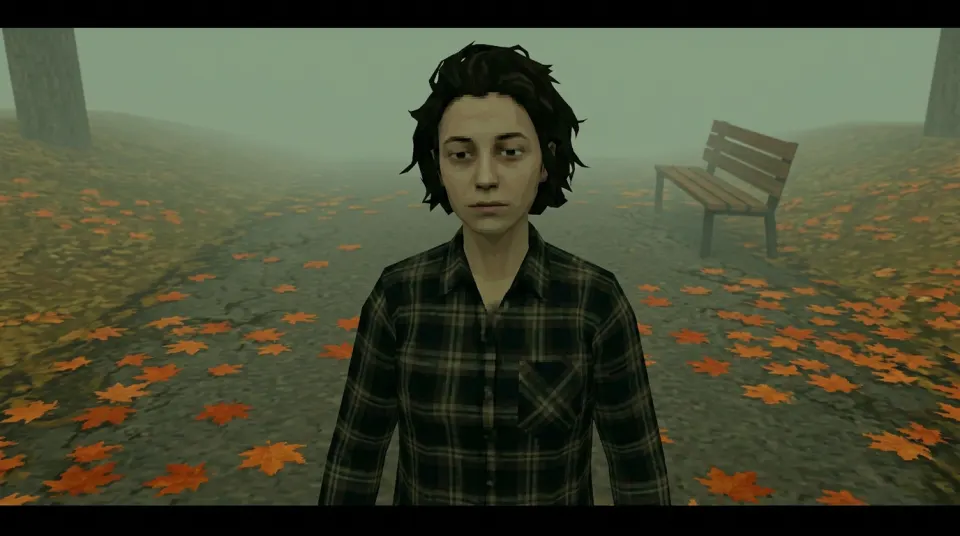
Real demo samples: five lonely PS2 stills
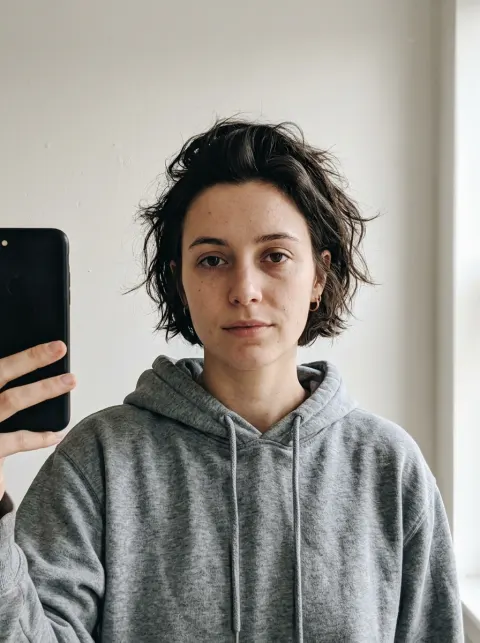
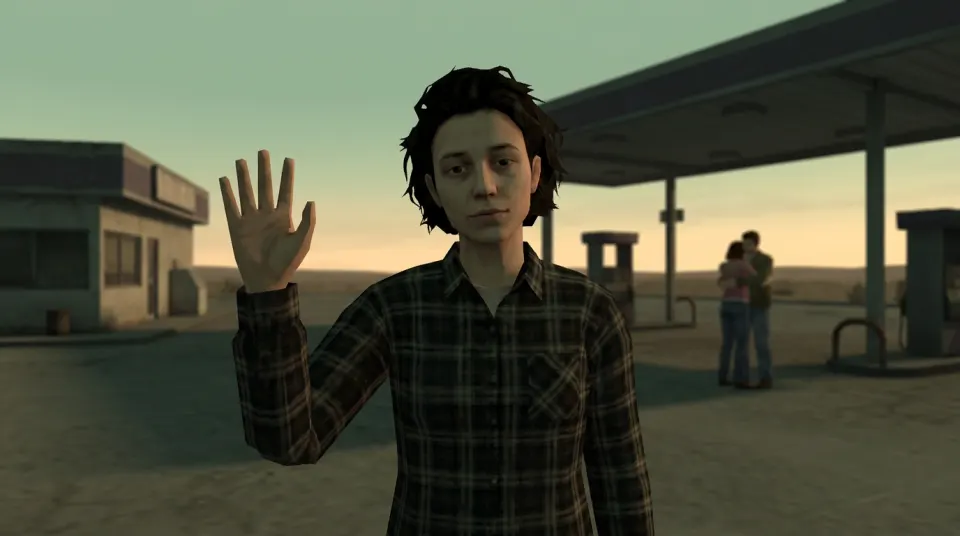
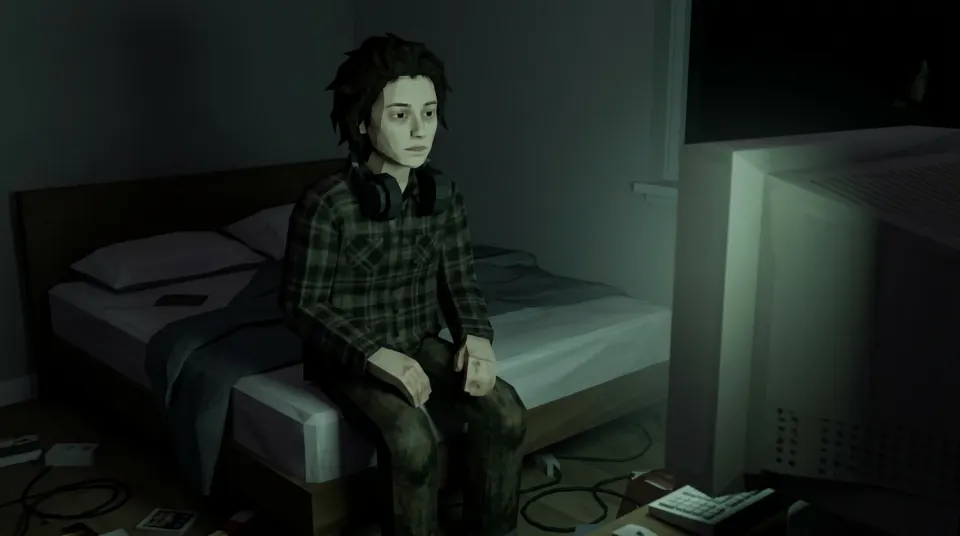
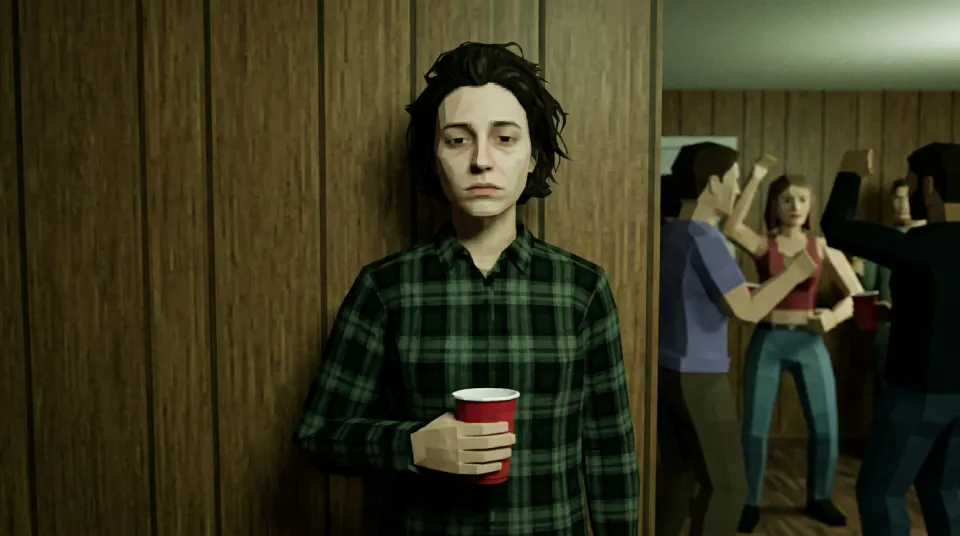
Example stills from the five lonely presets (demo face). The PNG outputs are shown as resized, compressed WebP previews. The input selfie is AI-generated and shows a fictional person, not a customer or a real individual. Your result will differ with your photo. Want the moving clip? See all video examples or start on photo to PS2 video.
Related retro filters
For the PS2 look itself, use the PS2 filter online or photo to PS2 converter. To animate a still, try the retro low-poly video generator. For text recipes, see the PS2 filter prompt guide. Searching for a general Y2K video game filter or the bad 3D energy effect? Both use the same generator.
PS1 filter FAQ
- Is this a real PS1 filter?
- Not strictly. The generator is built for a PS2-era low-poly look. Many people searching for a PS1 filter or PSX photo filter want that same retro low-poly mood, and the result is close, but it does not reproduce original PlayStation 1 rendering.
- What is the difference between a PS1 and a PS2 look?
- PS1 (PSX) graphics usually mean very few polygons, wobbling and warped textures, dithering and a tiny resolution. The PS2 look is still low-poly but smoother, with muddy textures and stiff cutscene posing. Results here are clean 1K images, so they do not add PS1 wobble, dithering or pixelation.
- Can I make it look more like PS1?
- The scenes are presets, so you cannot ask the generator for PS1 rendering. After downloading, you can lower the resolution, add dithering or reduce colors in your own photo editor if you want a rougher PSX feel.
- Is this a PS1 filter for Blender, Unity, Godot or Unreal?
- No. It is a photo generator, not a shader, plugin or post-processing effect for a game engine or 3D software. It does not emulate a console either.
- Is the PS1 filter free?
- After you sign in, your first still is free with a losercoreai.com watermark: one per account and device, and a daily cap may apply. Otherwise a still costs 2 credits and a video costs 10 credits. Video is never part of the free trial.
- Can I make a retro low-poly video too?
- Yes. Switch the generator to Video and it first makes the PS2-style still, then animates it into a 6-second 16:9 MP4 clip with AI-generated sound. A video costs 10 credits, including the still, and is not covered by the free trial.
See credit packs and pricing before choosing a paid option.